
Do you use an iPhone and want to open 00097 Game? Many visitors search for 00097 Game for iOS after seeing the Android APK mentioned on other websites, only to find that the file will not open on their phone.
That is expected. An APK is an Android installation package, and Apple devices cannot install it. iPhone and iPad users need a different way to reach the platform, usually through a mobile browser.
This 00097 Game for iOS guide explains what works on an iPhone, what does not, how to add the website to your Home Screen, and which risks to avoid before signing in or adding money.
Table of Contents
Is There an Official 00097 Game for iOS App?
A verified native 00097 Game app on the Apple App Store has not been confirmed for this guide. Searching the App Store may show apps with similar names or logos, but a matching name does not prove that an app belongs to the genuine operator.
Before downloading any iPhone app connected with 00097 Game, check the developer name, reviews, privacy details and requested permissions. If you cannot verify the developer, do not enter your account details.
Be especially careful with websites that ask you to install a “configuration profile”, a “VIP iOS version” or an enterprise certificate. These installation methods can give an unknown party extra control over your device.
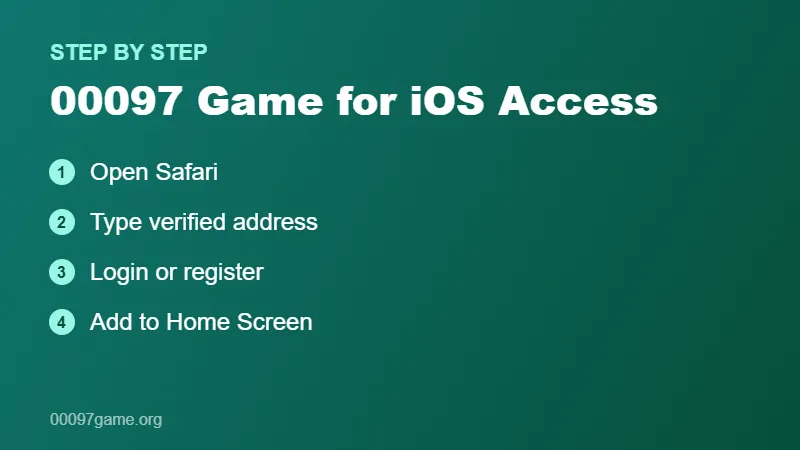
How to Use 00097 Game on iPhone Through Safari
If the platform provides a mobile-friendly website, browser access is usually the simplest and safest option for iPhone users.
- Open Safari or another updated browser on your iPhone.
- Type the verified website address carefully instead of tapping a random link.
- Check the address bar for spelling mistakes or extra characters.
- Open the Login or Register section of the website.
- Enter your account details only after you are sure the page is genuine.
If the page does not load properly, update iOS and your browser, then try again on a stable internet connection.
Add 00097 Game to Your iPhone Home Screen
See the official iPhone User Guide from Apple Support for more about Safari features.
Safari lets you save a website shortcut on the Home Screen. It opens like an app, but it is still the website running in the browser.
- Open the verified 00097 Game website in Safari.
- Tap the Share button at the bottom of the screen.
- Choose Add to Home Screen.
- Edit the name if you want, then tap Add.
A Home Screen shortcut does not install extra software, so it avoids many of the risks linked with unofficial apps. Apple explains this feature in its own iPhone user guide.
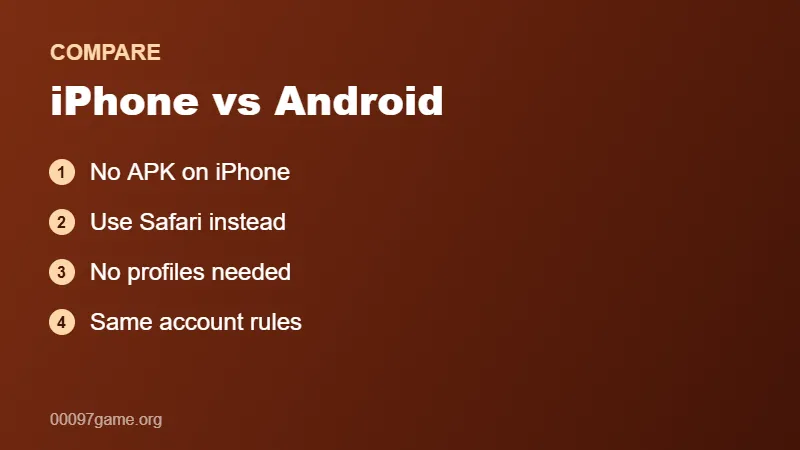
00097 Game for iOS vs Android: Key Differences
| Feature | iPhone (iOS) | Android |
|---|---|---|
| APK installation | Not supported | Supported with extra permission |
| Easiest access | Safari or browser shortcut | APK app or browser |
| Native app | Not verified | APK versions advertised |
| Main risk | Fake profiles and look-alike apps | Unverified APK files |
Neither device improves your chances in lottery or colour prediction games. The device only changes how you reach the platform.
Common 00097 Game iPhone Problems
APK File Will Not Open
Android APK files cannot run on iOS. Delete the file and use the browser method instead. For Android phones, see our 00097 Game for Android guide.
Website Not Loading on iPhone
Check your connection, close the Safari tab and open the verified address again. Clearing Safari website data can also help if an old page version is stuck.
Login Not Working on iPhone
Check your registered details, turn off any autofill with an old password and use the official recovery option if needed. Our 00097 Game Login Guide covers more fixes.
OTP Not Received
Make sure your phone number is correct and has network coverage. Wait for the resend timer instead of requesting many codes at once, and never share the code with anyone.
Is 00097 Game Safe on iOS?
The operator identity, licensing status and security of 00097 Game have not been independently verified here. Using an iPhone does not change that.
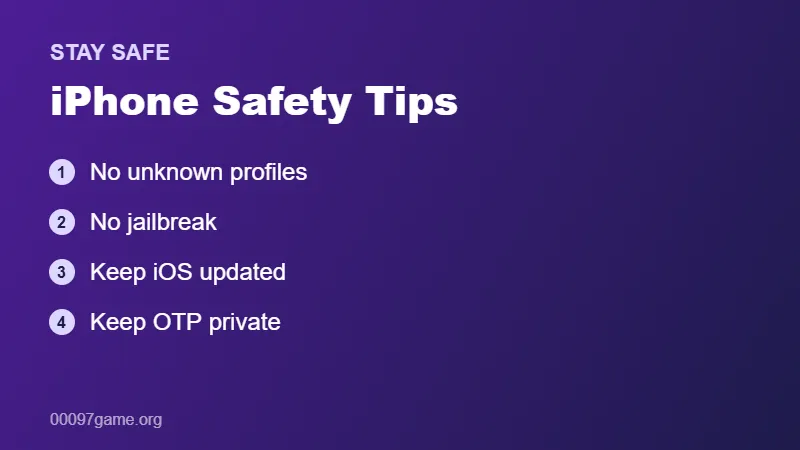
- Never install unknown configuration profiles or certificates.
- Do not jailbreak your device to install an unofficial app.
- Use a unique password and keep OTPs private.
- Avoid payment links sent through social media messages.
- Check local laws and age rules before any real-money activity.
Lottery and colour prediction games involve financial risk. Read our Responsible Gaming page before spending money.
00097 Game iPhone Safety Checklist
- Open the website by typing the address yourself.
- Do not install profiles or certificates from unknown websites.
- Keep iOS and Safari updated.
- Turn on Face ID or a passcode on your iPhone.
- Never share your OTP, even with “support” accounts.
These simple habits keep your 00097 Game iPhone access as safe as possible.
Using 00097 Game on iPad
iPads run iPadOS, which is closely related to iOS. Like iPhones, they cannot install Android APK files. The same browser method works on an iPad, and the larger screen can make menus and account pages easier to read.
Open the verified website in Safari, sign in and, if you like, add it to the Home Screen. Rotate the iPad to landscape mode if the layout looks cramped.
Safari Settings That Can Cause Problems
Some Safari settings can stop pages from working normally. If buttons do not respond or the page keeps reloading, check these settings in Settings > Safari:
- Content blockers that may block important scripts.
- Block All Cookies, which can stop you staying signed in.
- Private Browsing, which signs you out when the tab closes.
- Low Power Mode, which can slow background loading.
Change one setting at a time and test again, so you know which one was causing the issue.
Why You Should Avoid “iOS APK” Websites
There is no such thing as an iOS APK. Websites that offer an “00097 Game iOS APK” or “IPA with VIP features” are either misleading or trying to get you to install something unsafe. Installing IPA files outside the App Store usually needs a special certificate or profile, which can give an unknown developer control over parts of your device.
If a page promises extra winnings, bonus coins or “hack” features for iPhone users, close it. These claims are a common sign of scams.
00097 Game iPhone Account Tips
- Use Face ID or a strong passcode on your iPhone.
- Save your login only in the iCloud Keychain, not in notes or screenshots.
- Turn on notifications for SMS so you do not miss OTP codes.
- Check your account activity regularly and sign out on shared devices.
Following these tips keeps 00097 Game for iOS access simple and protects your account if your phone is ever lost or shared.
Frequently Asked Questions
Is 00097 Game available on the App Store?
A verified official 00097 Game app on the App Store has not been confirmed. Check the developer carefully before installing any similarly named app.
Can I install the 00097 Game APK on my iPhone?
No. APK files are made for Android and cannot be installed on iOS devices.
How can I play 00097 Game on iPhone?
If the platform supports mobile browsers, open the verified website in Safari and sign in there. You can also add it to your Home Screen.
Is a Home Screen shortcut the same as an app?
No. It is a shortcut that opens the website in the browser. It does not install extra software on your iPhone.
Can I use the same account on iPhone and Android?
This depends on the platform account rules. Many services allow login from different devices, but you may need to complete extra verification.
Related 00097 Game Guides
- 00097 Game Complete Guide
- 00097 Game Download APK
- 00097 Game Register
- 00097 Game Login
- 00097 Game Deposit
- 00097 Game Withdraw
- 00097 Game for Android
- 00097 Game for PC
- Responsible Gaming
- 00097 Game Gift Code & Invite Code
- 00097 Game Customer Care
Final Words
For most iPhone users, the safest way to reach 00097 Game for iOS is a verified website in Safari, not an unknown app or profile. Check the address, protect your login details and remember that real-money games can lead to losses.
If you also use an Android phone or a computer, read our 00097 Game Download Guide and 00097 Game for PC Guide.